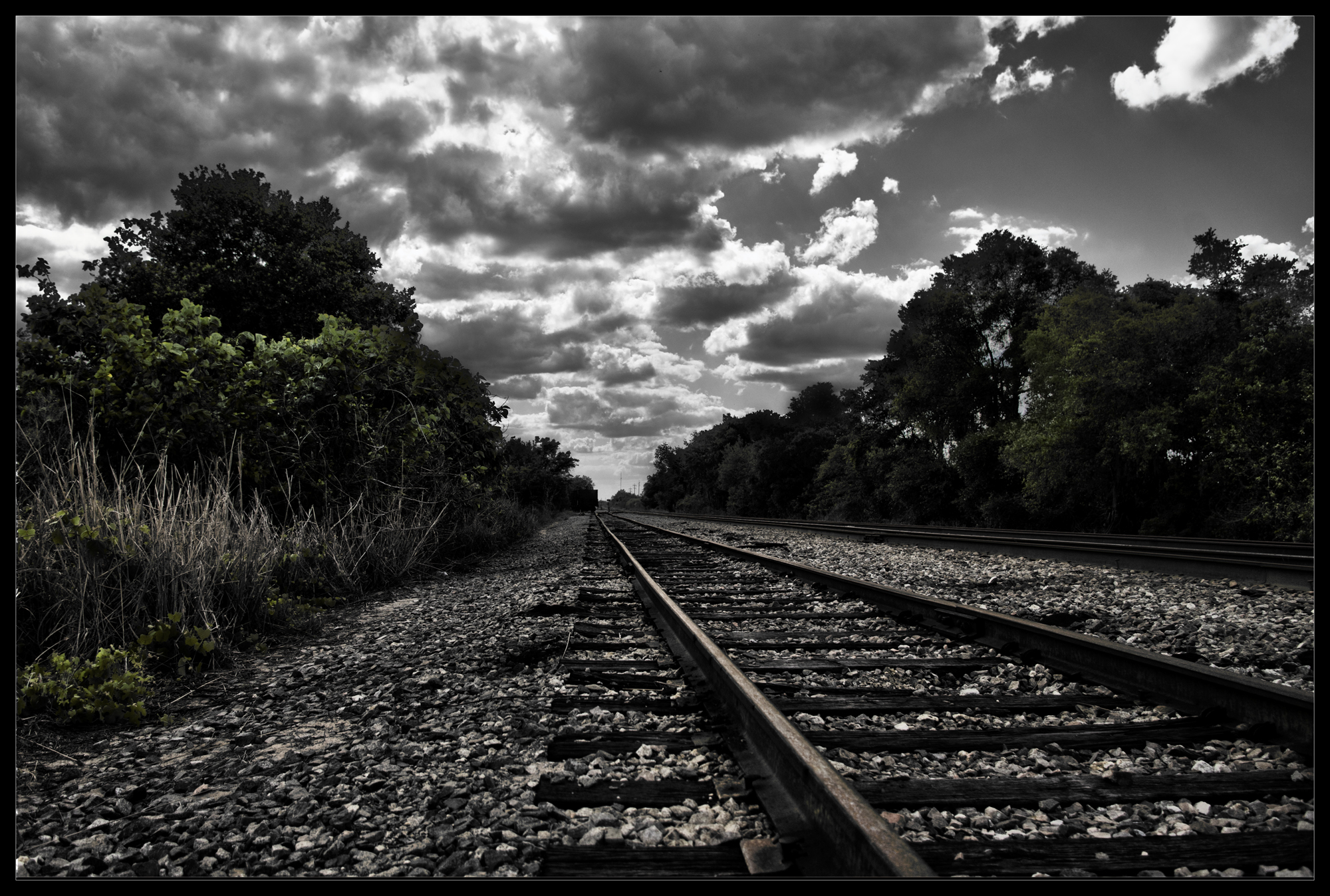
Runaway

by Robert Santafede

"Runaway" by Robert Santafede

Runaway, zero exposure

Original image, regular exposure
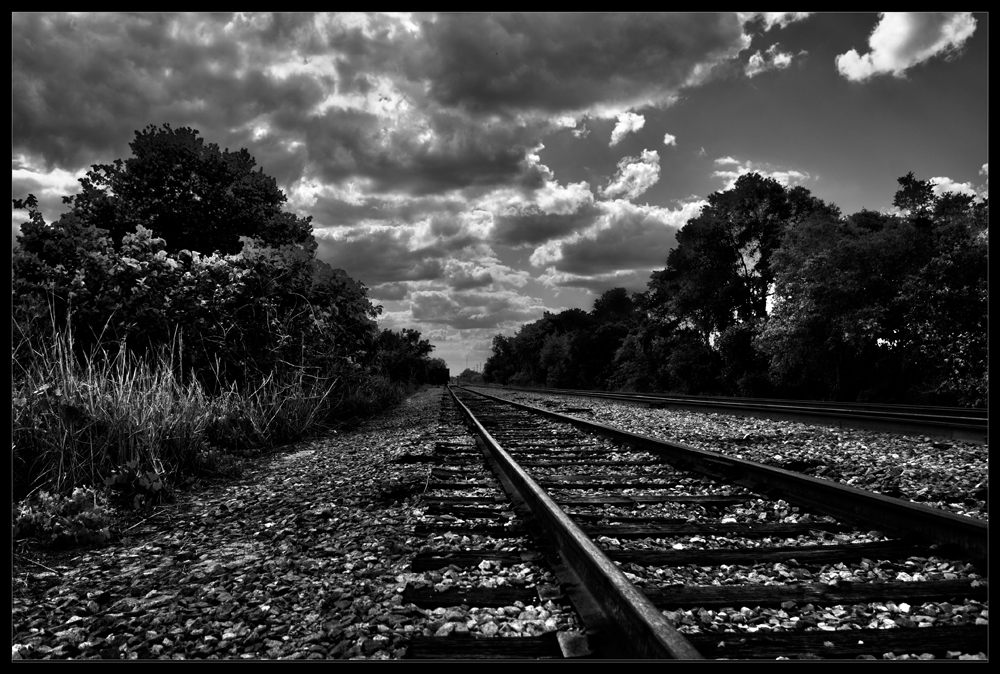
Runaway, merged and tweaked

The exposures have been merged in Photomatix Pro, the settings tweaked. Saved and loaded into Photoshop, added a b&w gradient map, adjusted the blend mode.  Added a levels adjustment mask to get very heavy contrast and a ‘darker’ feel.

Opened the original regular exposure file again in Camera RAW -> Photoshop, paste as a new layer to the HDR image, change layer blend mode and opacity to dull the colors down some. Adjust as necessary to avoid that “over HDR” look.

I’m sure there are plenty of easier (and better) ways to do this – I had received an email asking about how I edited a previous photo.

With the above said, I still prefer the original, just a b&w version of it! I fall victim to HDR when clouds are usually involved though.

36 Comments to “Runaway”

  1. nonoymanga's avatar

    Both version are very interesting. Thanks for sharing Nonoy Manga

  2. pixelogist's avatar

    its a good original shot to begin with. good processing too.. very nice

  3. The Quiet Hedonist's avatar

    Great result. I’m just starting to learn more than levels in photoshop, very interesting to hear your process.

  4. niasunset's avatar

    Dear Robert, the first one it one of your best of… So beautiful and standing so impressive… as if the road will take me too… I loved it so much. As I understand that you take your photographs in RAW, and they all prefer this and advice this BUT, how can you upload to your pc… I live a problem when I take RAW my photographs… I wait for my son, to solve this problem but now, when I read you I wanted to ask you too. I would be glad to hear your help about this. Thank you, with my love, nia

  5. susartandfood's avatar

    B&W is so powerful – really nice

  6. Angeline Suze's avatar

    Really nice dramatic processing. Great transformation.

  7. lfs353's avatar

    Nice to see the progression, and how you achieved the end result. Great cloud drama!

  8. laviebohemeart's avatar

    Great images.. Love the intense colors in the first!

  9. Carl D'Agostino's avatar

    For some reason the B&W screams 1930’s America.

  10. stephanielane2012's avatar

    Nice composition and processing. I agree the BW looks like 1930’s America. Good job 🙂

  11. f-Stops.net's avatar

    Nice work on the colors. You can use filters instead of hdr.

    • Robert Santafede's avatar

      Thanks F-stops. I’ll admit I haven’t played around too much with filters aside from the high pass one. I should investigate more.

      • f-Stops.net's avatar

        Neutral Density filters are useful for high contrast skies/clouds and grounds. I use HDR too, but I’m more inclined to use classic exposure blending. It depend what kind of image I want to do. Anyway, for both tecniques filters are always very useful tools.

  12. Zen and Genki's avatar

    Adore shot of train tracks, and your B&W is one of my new favourites – lovely!

  13. Samantha's avatar

    Thank you for liking my blog. Love this. I agree with the comments about the 1930s look – I can almost hear old blues music. Your photos are beautiful, so atmospheric.

  14. Cardinal Guzman's avatar

    Cudos for describing your technique.

  15. seekraz's avatar

    Incredible photo(s)…and I enjoyed the science that went into it…thank you for the explanation…although the picture stands alone as wonderful.

  16. Jocelyne's avatar

    A wonderful photo, I love it’s dramatic effect and thanks for sharing the recipe !

  17. hanjeremy's avatar

    This is so classy. Thanks for sharing it with us.

  18. Continuous Light Kits's avatar

    We like train and train runway. You post good train line photos.

  19. mhdriver's avatar

    It’s been a long time since I’ve worked with black & white. I miss and liked B&W. Good work

Leave a reply to Inspired and pretty Cancel reply